Setup. Sync. Review & Export.
Add the cameras and the recorder, let Latch listen, then export a Resolve timeline. Sync is free. Export needs a license. Projects save in Movies/Latch. You work one shoot at a time.
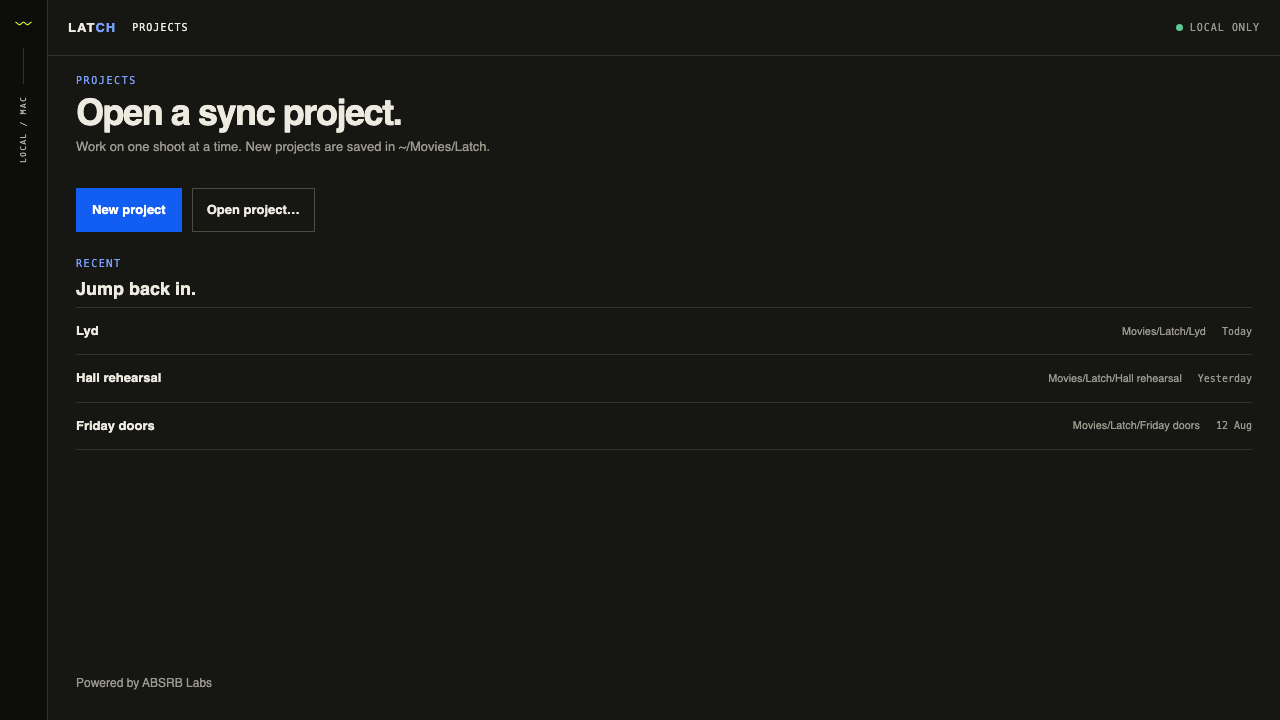
Put the media on the table.
Drop camera files and the master recording. Latch reads metadata and usable audio. Camera grouping is a suggestion you can correct. The master can be one file or an ordered sequence of parts from the same continuous recording.
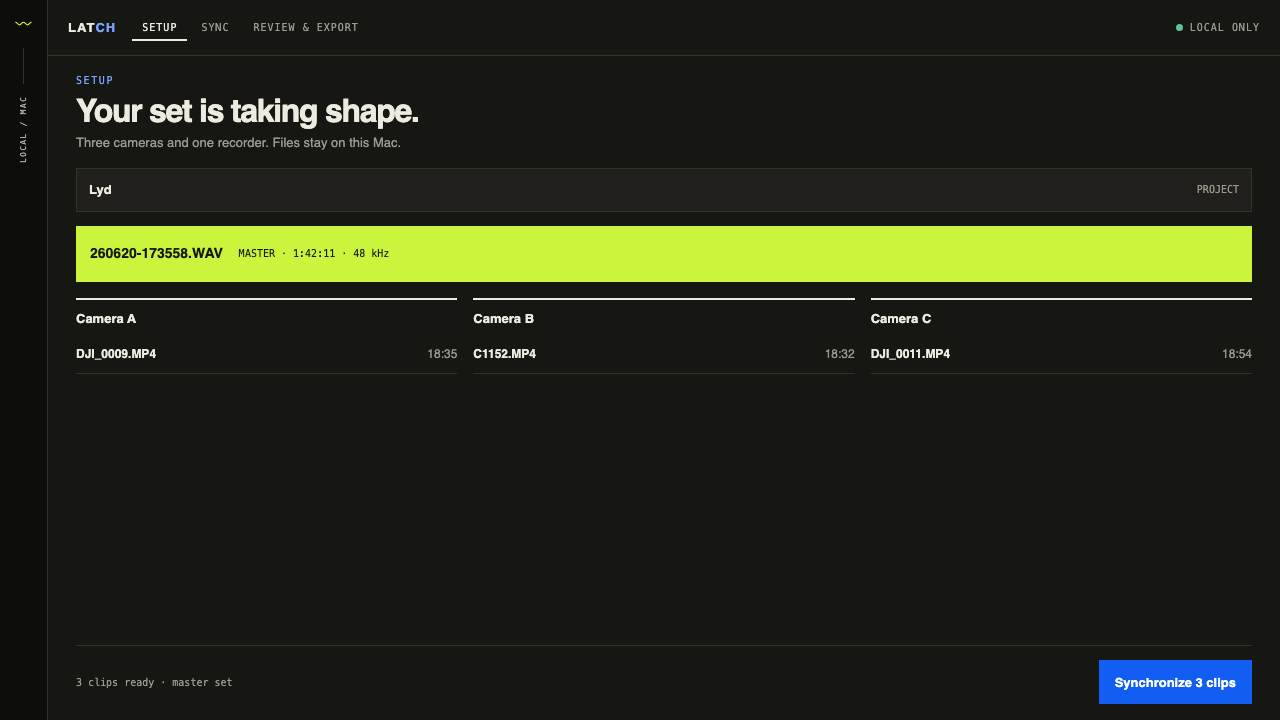
One operation.
Latch listens to each camera against the master recording and places the clip. You see the file that is working and how many have finished, not a progress bar pretending to know the future.
Play it. Then write the XML.
Each angle gets a tile. Failed clips stay visible and say why. You can review without a license. Exporting the Resolve XML requires one. If some clips failed, a licensed export is labeled unverified so you do not pretend they matched.
